All Posts
15 April 2025
5 min read
Getting Started on Safeticha

Welcome to Safeticha -- Africa's fastest-growing platform where teachers create, sell, and access high-quality teaching resources using the power of AI. Whether you're here to generate lesson materials with Ticha AI, earn from your resources, find classroom-ready content, or find jobs, you're in the right place. In this guide, we'll show you exactly how to get started on Safeticha and make the most of your dashboard.
Create Your Free Account
Getting started is easy!
- Visit www.safeticha.com
- Click Sign Up
- When signing up, you can register either as a school or as a teacher. These two account types are largely similar, with the main difference being in the Jobs tab:
- For school accounts, the Jobs tab is used to post vacancies, view applications, and message applicants.
- For teacher accounts, the Jobs tab allows users to view available vacancies and submit applications directly.
- Verify your email: After registration, a verification code will be sent to your email. This code is required to activate the account. If you do not have an email app installed, open a separate browser tab to check your email. Do not close the Safeticha page when checking your email -- doing so may cause the site to fail to recognise your code when you return.
- You'll be taken straight to your dashboard -- your teacher command center!
Understanding Your Dashboard
Once you're signed in, you'll see your dashboard with several tabs. Here's what each one means:
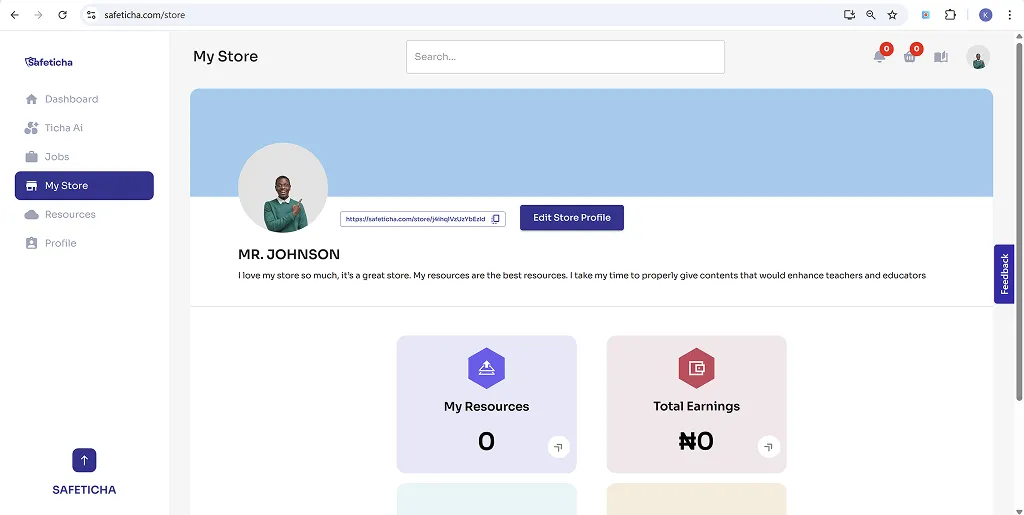
My Store
View all the resources you've uploaded, along with your wallet, which displays your total earnings and withdrawals from resource sales.
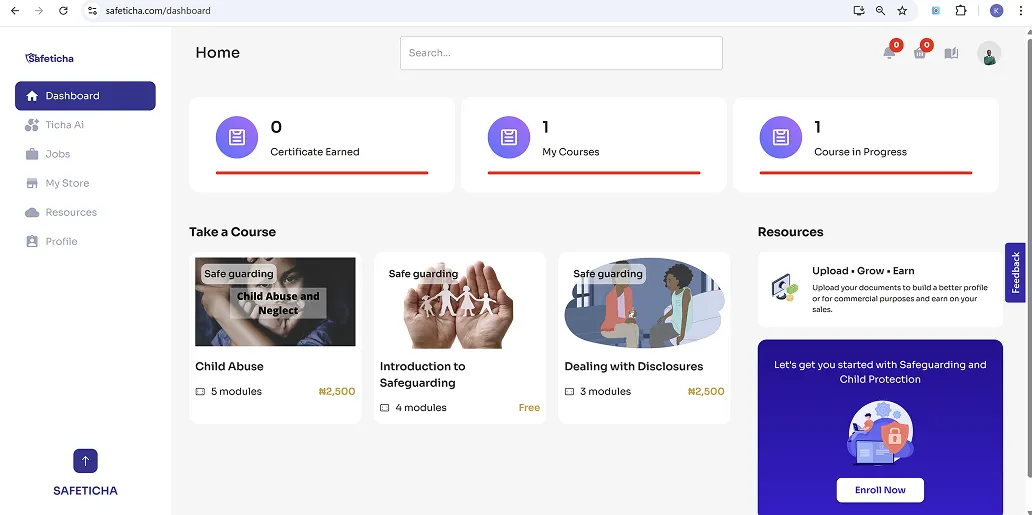
Dashboard
This is your main overview panel, showing your latest activities and any courses you're currently working on.
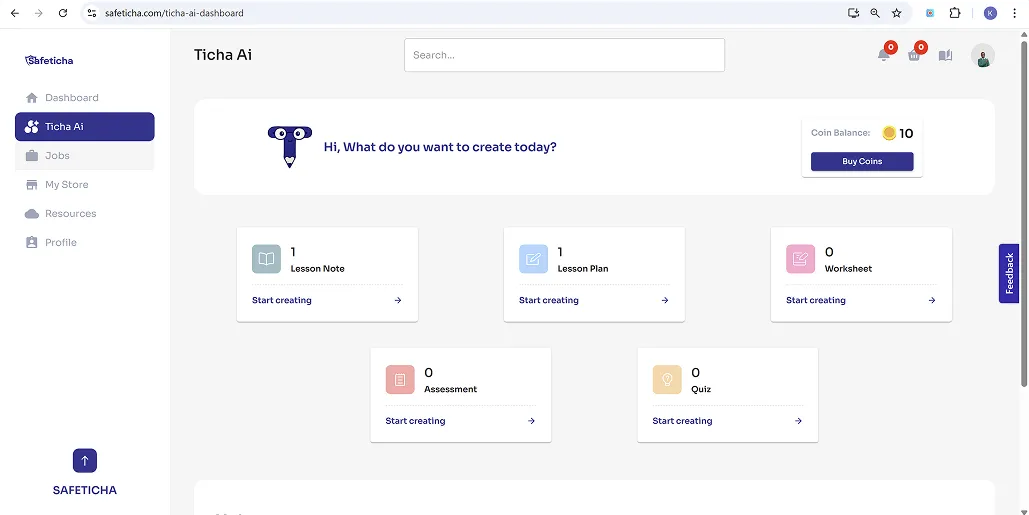
Ticha AI
Access the powerful Ticha AI tool to generate lesson plans, assessments, worksheets, revision guides, and more -- all tailored to your needs.
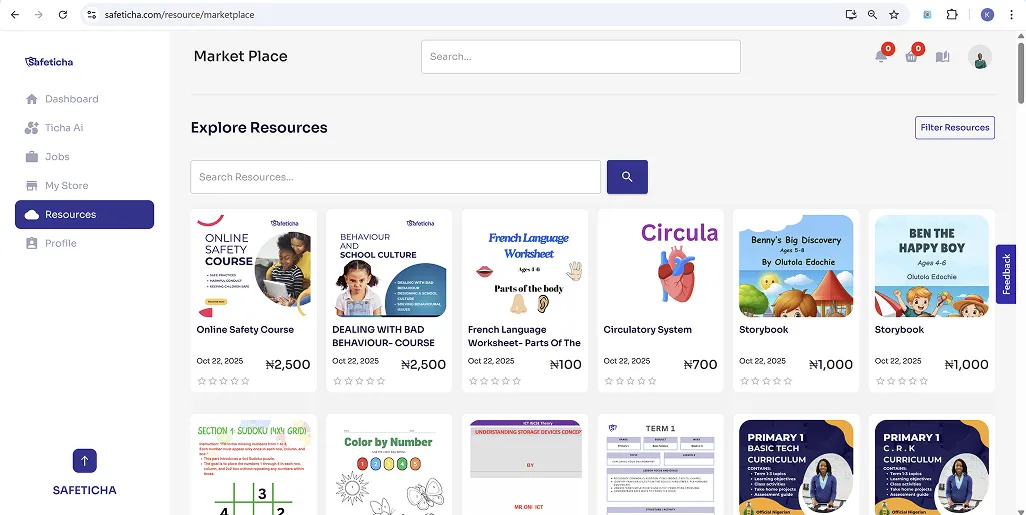
Resources
Browse the resource marketplace to purchase high-quality teaching materials created by fellow educators. You'll find content across all subjects and levels.
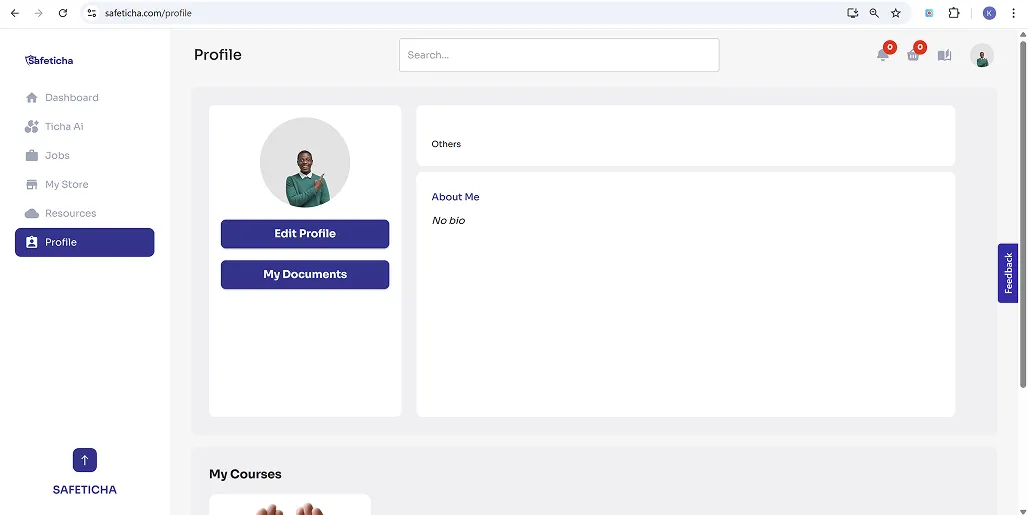
Profile
Update your bio and teaching experience. Treat it like a CV -- schools and employers can view this if you're applying for jobs.
Jobs (School Account)
Schools can post teaching vacancies, view applicants, and communicate directly with candidates.
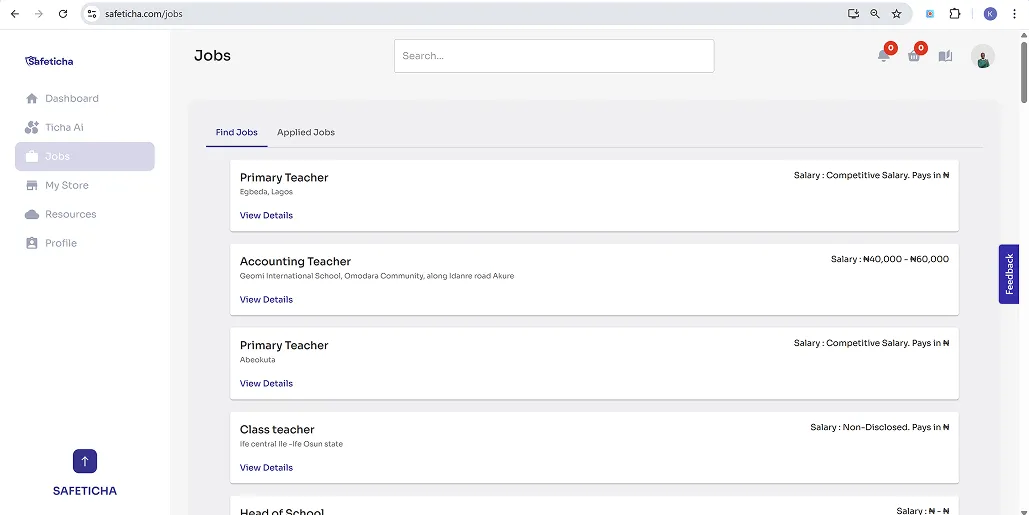
Jobs (Teacher Account)
Teachers can view listed job opportunities and apply directly through the platform.
Why Teachers Love Safeticha
- Earn passive income by selling your best resources
- Save time with AI-generated content
- Join over 5,000 teachers using Safeticha every day
- Win giveaways, join our WhatsApp group, and grow your teacher brand
Need Help Getting Started?
Our community is here for you! Join the official Safeticha WhatsApp group to get updates, tips, and support from fellow teachers.
Ready to get started?
Join thousands of teachers, students, and schools already using Safeticha.
Sign Up FreeMore from Safeticha